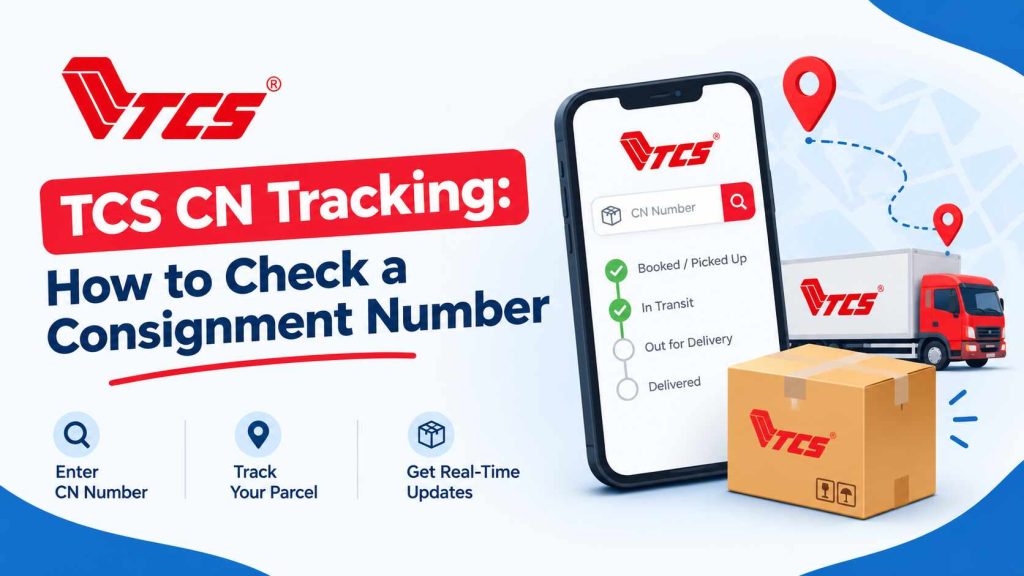
TCS CN tracking allows customers to check the recorded status of a parcel using its consignment number. To track a shipment, open the TCS tracking page, enter the CN or tracking reference number in the tracking field, and select Track Shipment. The available results may show shipment details, its latest recorded status, and tracking history.
The CN number is different from the order number issued by an online store. If a seller has provided only an order ID, the customer should request the TCS consignment number before attempting to track the parcel.
How to Check a TCS CN Tracking Number Online
Follow these steps to check a TCS shipment in Pakistan.
- Find the consignment number. Check the TCS booking receipt, parcel label, dispatch SMS, shipping email or order details supplied by the sender.
- Open the official tracking page. Visit TCS Track Your Shipment.
- Enter the CN number. Type the tracking reference into the field labelled Tracking ID. Check each digit before submitting.
- Select Track Shipment. Allow the tracking page to retrieve the available shipment information.
- Review the result. Check the current recorded status, shipment details and tracking events, if available.
The information displayed depends on the shipment record and the tracking service’s available data. A tracking page may not show a live GPS location or an exact delivery time.
What Is a TCS CN Number?
A TCS CN number is the consignment number used to identify a shipment in the courier’s tracking system. It may also be described as a tcs tracking id, tracking reference or airway bill number.
According to TCS’s customer-service information, every shipment booked with the company is assigned a tracking id. That identifier allows the shipment to be followed through recorded events from pickup to delivery.
The tracking number is generally available from the person or business that booked the shipment. A sender who visits a TCS Express Centre can check the booking receipt, while an online shopper can request the tracking reference from the seller.
TCS does not establish a single fixed digit count in the public tracking guidance reviewed for this article. Customers should therefore use the actual reference supplied by the sender instead of rejecting a number simply because it has a different length from an example found online.
CN Number vs Order Number: What Is the Difference?
A CN number and an online shopping order number serve different purposes. Confusing them is a common reason for unsuccessful tracking attempts.
| Detail | TCS CN number | Online order number |
|---|---|---|
| Issued by | TCS when the shipment is booked | The online store or seller |
| Main purpose | Identifies a courier shipment | Identifies a purchase in the seller’s system |
| Used for | Checking recorded courier movement | Checking order processing, payment or dispatch |
| Where to find it | Booking receipt, shipping notification or seller’s dispatch details | Order confirmation, shopping account or purchase email |
| Which number belongs in TCS tracking? | Yes, if it is the correct shipment reference | No, unless the seller confirms it is also the TCS tracking reference |
Example: A customer orders shoes from an online shop and receives order ID ORD-58241. After dispatch, the seller provides a separate TCS tracking reference. The order ID identifies the purchase, while the TCS reference identifies the courier shipment.
The example numbers above are illustrative, not actual tracking records.
If the shopping website shows an order as dispatched but TCS cannot find the parcel, the customer should check whether a separate consignment number has been issued and whether the seller has handed the parcel to the courier.
Where Can a TCS Consignment Number Be Found?
The location depends on how the shipment was booked.
- Booking receipt: Look for a field labelled CN, Consignment Number, TCS Tracking Number or a similar reference near the shipment details or barcode.
- SMS notification: Check messages received from the sender or courier after dispatch.
- Shipping email: Look in the dispatch confirmation for a tracking link or consignment reference.
- Online shopping account: Open the relevant order and look for shipment details, courier information or a tracking link.
- Sender or seller: If the number is missing, ask the person who booked the parcel to provide the TCS reference.
A barcode alone is not enough if the customer cannot identify the associated number. The sender can clarify which reference should be entered into the tracking page.
How to Understand TCS Shipment Status
After a successful CN number check, the tracking page may display shipment details and a sequence of recorded events. Each event helps explain where the parcel is in the delivery process.
| Status or event | What it generally means |
|---|---|
| Booked or shipment registered | A shipment record has been created. This does not necessarily confirm that the parcel has entered transit. |
| Picked up or shipped | The parcel has been collected or its dispatch has been recorded. |
| Arrived at TCS facility | A scan records the parcel’s arrival at a processing or delivery facility. |
| Departed from TCS facility | A scan records the parcel leaving a facility. |
| Out for delivery | The parcel is with the delivery operation for a delivery attempt. |
| Delivered | The tracking system records the shipment as delivered. |
| Returned to shipper | The shipment has been recorded as returned to the original sender. |
The exact wording may vary by shipment and tracking display. These descriptions explain common courier events rather than guaranteeing the meaning of every TCS-specific status.
TCS explains that shipment movement information is captured when staff scan a tracking label. Consequently, the latest visible update represents the latest available recorded event, not necessarily the parcel’s precise location at that moment.
If a parcel is marked delivered but has not been received, the recipient should check with household members, reception or the intended delivery address and contact TCS if the discrepancy remains unresolved.
TCS CN Tracking Not Working? Try These Checks
A failed CN id check does not, by itself, prove that a parcel has been lost. Several issues can prevent a tracking result from appearing.
1. Check the number for typing errors
Compare the number entered online with the original receipt or dispatch notification. Check for missing digits, accidental spaces and characters that may have been read incorrectly.
2. Make sure it is the consignment id
An online order ID, payment reference or invoice number may not work in the TCS tracking field. Ask the sender for the actual courier tracking reference if there is any doubt.
3. Confirm that TCS is handling the shipment
A seller may use another courier or change the delivery provider. Confirm the carrier shown in the dispatch notification before trying again.
4. Allow time for the shipment record to appear
A seller may generate a shipping label before the parcel is collected or scanned. If the number is correct but no record appears, ask the seller whether the parcel has been handed over to TCS and check again later.
There is no universal waiting period established by the official tracking guidance reviewed here, so a specific number of minutes or hours should not be treated as a guarantee.
5. Retry the official tracking page
A temporary website or data-retrieval problem can interfere with a search. Reopen the official tracker, re-enter the reference and try again. If the service remains unavailable, use TCS’s official customer-service channels.
6. Contact the sender or TCS
If the number continues to return no result, ask the sender to verify the booking details. If the parcel has been booked and handed over, contact TCS with the consignment number, booking date and other relevant shipment information.
For support, use the official TCS customer-services page. Its contact form includes a field for the consignment id, so customers who do not have the reference should first ask the sender or contact support through an available channel.
Can a TCS Parcel Be Tracked Without a CN id?
The standard online tracking process requires a shipment reference. A customer who does not have the CN number should first check the dispatch notification, booking receipt or online order details.
If the number is not available, the next step is to ask the sender or online seller to provide it. The sender generally has access to the booking information needed to identify the shipment.
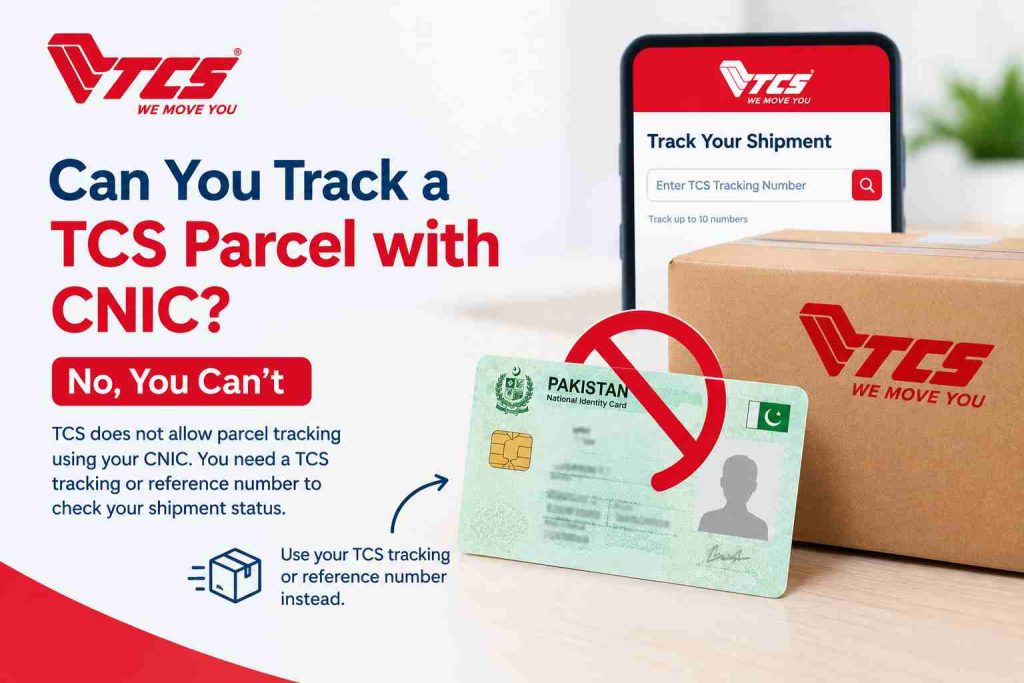
Customers can also contact TCS through its official customer-service page to ask how the shipment can be identified. They should not assume that an order ID, phone number or CNIC will work as a substitute in the online tracking field.
Frequently Asked Questions
What does CN mean in TCS tracking?
CN stands for consignment number. It is the shipment reference used to identify and track a parcel through the TCS tracking system.
How do I check my TCS CN number online?
Open the TCS tracking page, enter the consignment or tracking reference, and select Track Shipment. Review the status and recorded tracking events shown in the results.
Is a TCS CN number the same as an order number?
No. An order number usually identifies a purchase in an online store’s system, while a TCS CN number identifies the courier shipment. A seller may provide both references.
How many digits are in a TCS tracking id?
The public TCS tracking guidance reviewed does not establish one fixed digit count for every tracking reference. Use the number provided by the sender or printed on the booking receipt rather than relying on an assumed length.
Why does my TCS tracking number show no record found?
Possible reasons include a typing error, an incorrect reference, a newly created shipment record, a parcel that has not yet been scanned, or a number belonging to another courier. Verify the number with the sender and retry the official tracker.
Can I track a TCS parcel using my CNIC?
The standard TCS online tracking page asks for a shipment tracking reference, not a CNIC number. If the consignment number is missing, contact the sender or TCS customer support to ask about available ways to identify the shipment.
Can I check the current location of a TCS parcel?
The tracking page may show the latest recorded status and facility scans. These updates help explain the parcel’s progress, but they should not be interpreted as a continuous GPS location unless the service explicitly provides that feature.
What should I do if TCS shows my parcel as delivered but it has not arrived?
Check whether someone at the delivery address received the parcel. If it remains missing, contact TCS through its official customer-service channels and provide the consignment id and delivery details.
Check a TCS Shipment Using Its CN Number
The easiest way to check a TCS consignment is to use the correct shipment reference on the official tracking page. If the search fails, verify the number, confirm that TCS has received the parcel, and contact the sender or customer support if necessary.
For additional guidance, readers can visit TCS Track to access a tracking tool and related parcel-tracking information. The official TCS website remains the primary source for shipment records and customer support.